Lock & Unlock
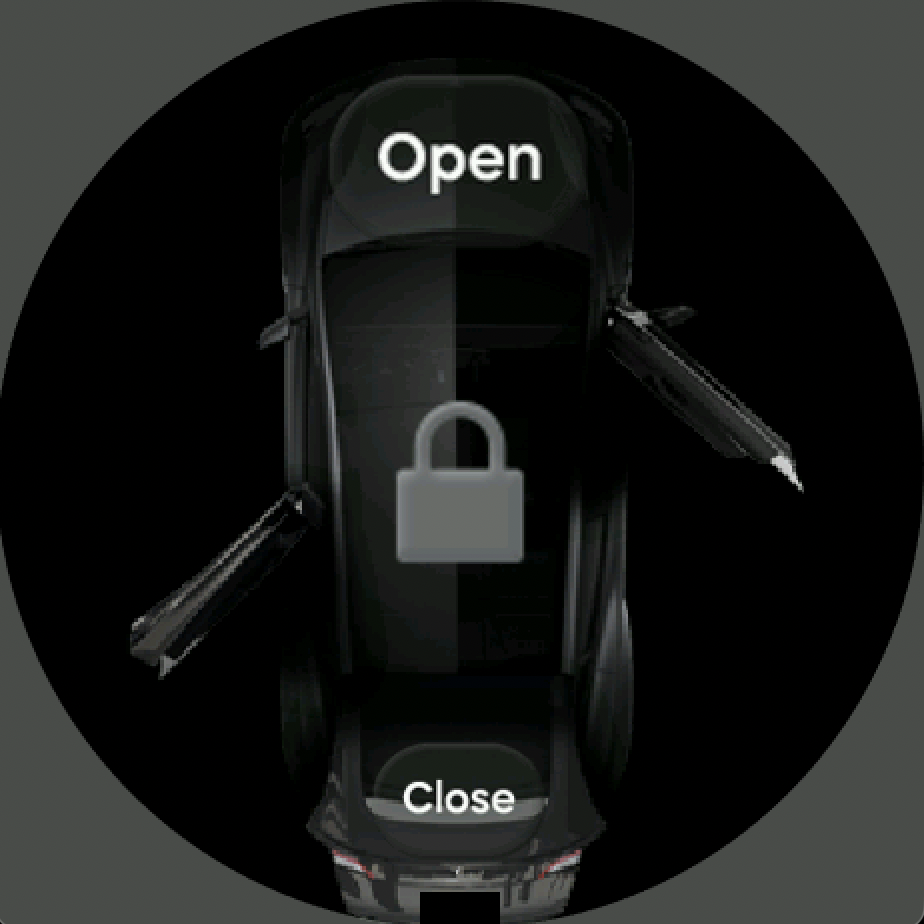
Lock or unlock your vehicle with one tap. Passive entry (auto-unlock) is available when you approach the car.
No phone required. Unlock, climate, frunk, trunk, and charge port—right from your Amazfit watch.
For everyone who owns a Tesla and an Amazfit watch. Lock or unlock your car, open the frunk or trunk, adjust climate, open the charge port, and check battery & charging status—directly from your wrist. Fast, simple, always with you.
Everything you need, right on your wrist.
Lock or unlock your vehicle with one tap. Passive entry (auto-unlock) is available when you approach the car.
Open the frunk or trunk remotely when you need it.
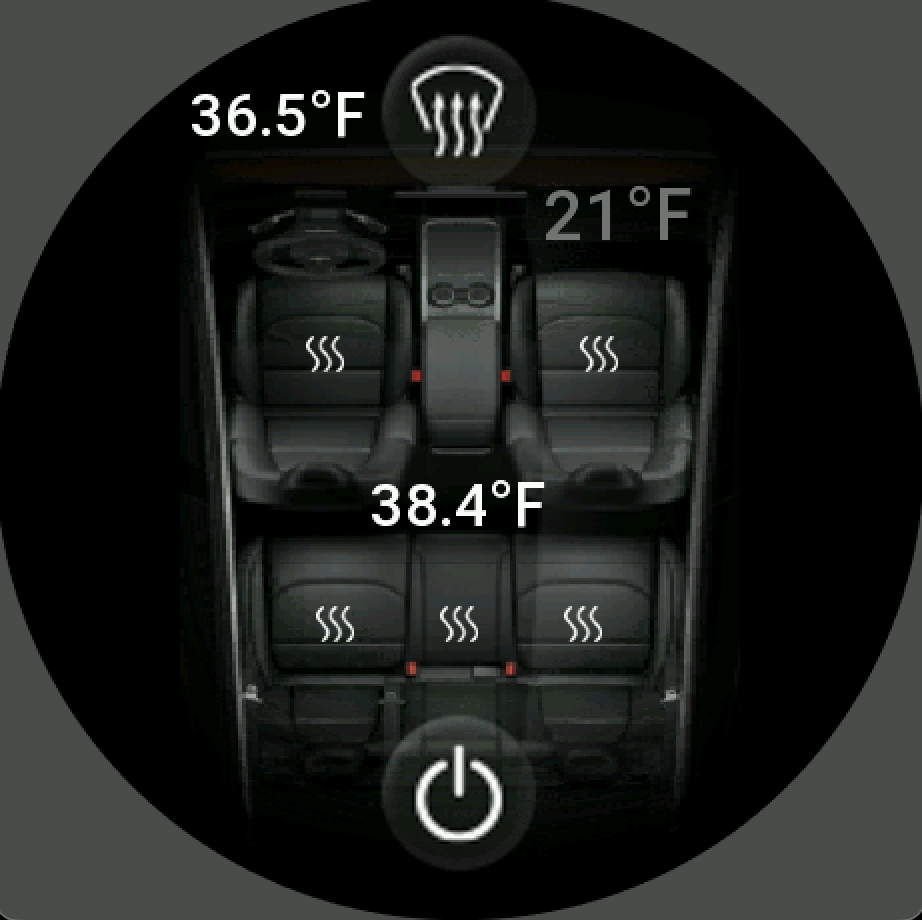
Start climate control and defrost right from your wrist.
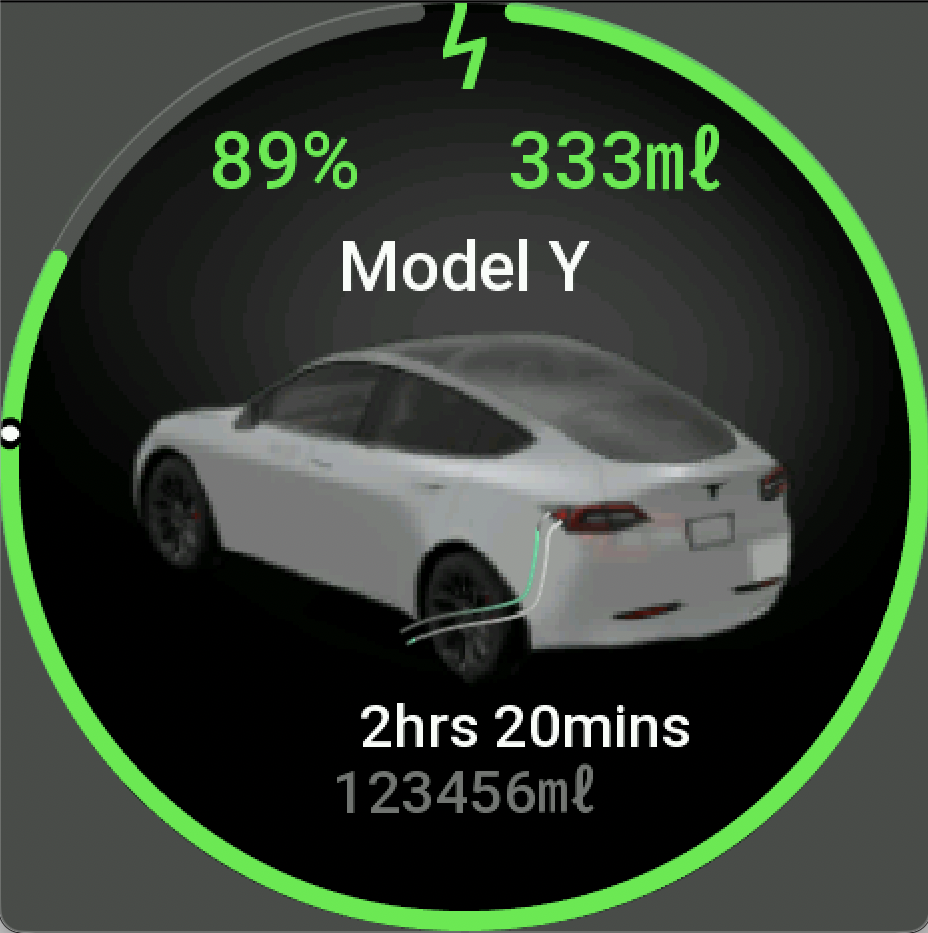
Open or close the charge port and view charging status.
See battery level & range, charging state, and door status at a glance.
Real screens from the Amazla app on watch.
Coming Soon
New actions from the app roadmap are coming soon: horn, summon, home/garage actions, and lights control.
Active, Balance, Bip, GTR, GTS, T-Rex, and more.
Control your Tesla from your Amazfit watch. Free.